Getting visitors to your website is important, but converting those visitors into customers, leads, or subscribers is the real goal. Many businesses spend money on SEO, paid ads, and social media marketing, yet they struggle to get results because their website does not encourage visitors to take action.
This is where Conversion Rate Optimization (CRO) helps. CRO focuses on improving your website experience to increase the percentage of visitors who complete a desired action, such as making a purchase, filling out a form, or signing up for a service.
For beginners, CRO may seem complicated. However, by applying simple strategies and testing different improvements, you can increase conversions without necessarily increasing your traffic.
What Is Conversion Rate Optimization (CRO)?
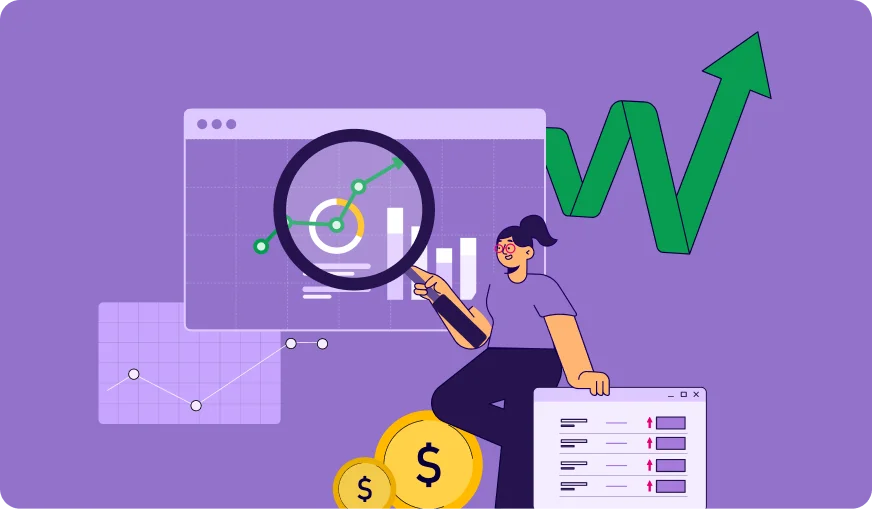
Conversion Rate Optimization (CRO) is the process of improving a website or landing page to encourage more visitors to complete specific actions.
A conversion can include:
- Buying a product
- Submitting a contact form
- Signing up for a newsletter
- Downloading a resource
- Booking a service
The basic CRO formula is:
Conversion Rate = (Number of Conversions ÷ Total Visitors) × 100
For example, if your website receives 5,000 visitors and 250 people make a purchase, your conversion rate is 5%.
Why Is CRO Important for Businesses?
CRO helps businesses get better results from existing website traffic. Instead of spending more money on advertising to attract new visitors, you can improve your website performance and convert more users.
| Benefit | How It Helps |
|---|---|
| More Conversions | Turns more visitors into customers |
| Better User Experience | Makes websites easier to use |
| Lower Marketing Costs | Improves results from existing traffic |
| Higher Revenue | Increases sales opportunities |
Moreover, CRO helps you understand customer behavior and identify problems that stop users from taking action.
10 Simple CRO Strategies for Beginners
1. Understand Your Target Audience
Before making changes, understand who your visitors are and what they need.
Research:
- Customer problems
- Buying behavior
- Common questions
- Website browsing patterns
You can use tools like Google Analytics and heatmaps to understand how users interact with your website.
When you know your audience, you can create content and offers that match their expectations.

2. Improve Your Website Speed
Website speed directly affects user experience. Visitors often leave slow websites before exploring products or services.
To improve page speed:
- Compress images
- Remove unnecessary plugins
- Use a fast hosting provider
- Optimize website files
A faster website creates a smoother experience and increases the chances of conversion.
3. Create Clear and Strong Call-to-Actions (CTAs)
A Call-to-Action tells visitors what step they should take next.

Examples:
- Buy Now
- Get Started
- Request a Quote
- Download Free Guide
Your CTA should be:
- Easy to find
- Action-oriented
- Clear and simple
Instead of using a vague button like “Submit”, use a specific CTA like “Get Your Free Consultation.”
4. Optimize Landing Pages
Landing pages play an important role in conversions because they focus on one specific goal.
A high-converting landing page should include:
- A strong headline
- Clear benefits
- Social proof
- Simple design
- A visible CTA
Additionally, avoid adding too many distractions because they can reduce conversions.
5. Use A/B Testing
A/B testing allows you to compare two versions of a webpage to see which performs better.
You can test:
- Headlines
- CTA buttons
- Images
- Page layouts
- Form designs
For example, you can test whether a red CTA button performs better than a blue one.
However, test one element at a time so you can clearly understand what improves results.
6. Build Trust with Social Proof
People are more likely to take action when they trust a business.
Add trust elements such as:
- Customer reviews
- Testimonials
- Case studies
- Client logos
- Security badges
Social proof reduces hesitation and helps visitors feel confident about their decision
7. Simplify Website Navigation
A confusing website can prevent visitors from finding important information.
Improve navigation by:
- Using simple menus
- Reducing unnecessary options
- Creating clear categories
- Adding search functionality
A simple user journey helps visitors reach conversion points faster.
8. Optimize Forms for Better Results
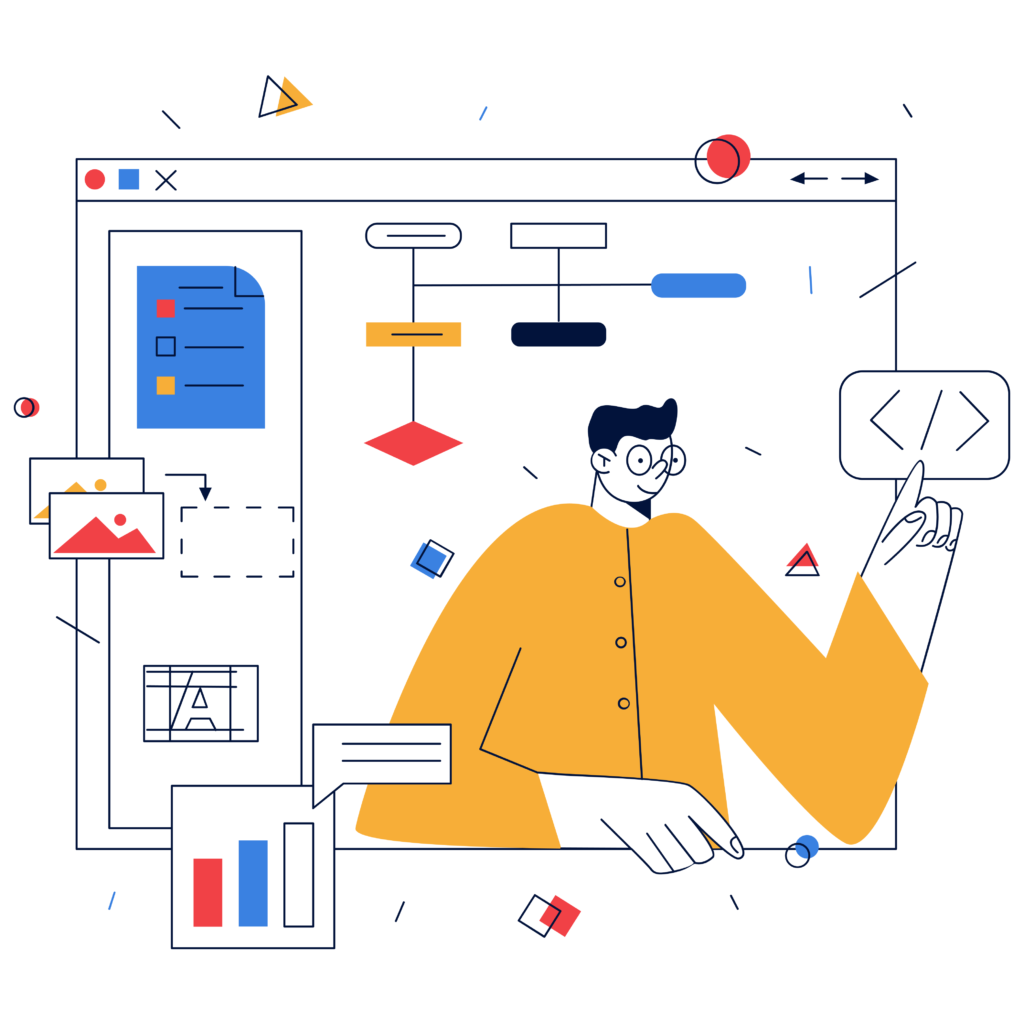
Long and complicated forms can discourage users from completing them.
Follow these tips:
- Ask only necessary questions
- Use clear labels
- Make forms mobile-friendly
- Provide helpful instructions
For example, a simple contact form with name, email, and message fields usually performs better than a form with many unnecessary fields.
9. Make Your Website Mobile-Friendly
Many users visit websites through smartphones. Therefore, your website must provide a good mobile experience.
Check:
- Text readability
- Button size
- Page loading speed
- Mobile navigation
A poor mobile experience can cause visitors to leave without converting.
10. Analyze Data and Improve Continuously
CRO is not a one-time task. You need to regularly analyze performance and make improvements.
Track important metrics:
| Metric | Purpose |
|---|---|
| Conversion Rate | Measures successful actions |
| Bounce Rate | Shows visitors leaving quickly |
| Average Session Duration | Shows engagement level |
| Click-Through Rate | Measures user interaction |
By reviewing data, you can identify weak areas and create better strategies.
Common CRO Mistakes Beginners Should Avoid
Many beginners make mistakes while optimizing their websites. Avoid these problems:
- Making changes without analyzing data
- Adding too many elements on a page
- Ignoring mobile users
- Using unclear CTAs
- Testing too many changes at once
Instead, make small improvements and measure their impact.
CRO Tools for Beginners
Several tools can help you analyze and improve conversions:
| Tool | Purpose |
|---|---|
| Google Analytics | Tracks website performance |
| Hotjar | Shows user behavior through heatmaps |
| Microsoft Clarity | Provides session recordings |
| Google Optimize Alternatives | Helps with testing experiments |
These tools provide insights that help you make better decisions.
Frequently Asked Questions (FAQs)
CRO (Conversion Rate Optimization) is the process of improving a website to increase the number of visitors who complete desired actions, such as purchases, signups, or inquiries.
CRO helps beginners improve website results without spending more money on advertising. It allows businesses to get more value from their existing visitors.
The time required depends on website traffic, testing methods, and the changes made. Some improvements may show results quickly, while others require continuous testing.
Improving your call-to-action buttons, website speed, and landing page clarity are some of the easiest CRO strategies for beginners.
No. CRO works for all types of websites, including blogs, service websites, SaaS platforms, and online stores.
Conclusion
Conversion Rate Optimization is an effective way to improve website performance and increase business results. For beginners, CRO does not require complicated changes. Simple improvements like better CTAs, faster pages, clear navigation, and strong trust signals can create a major impact.
Remember, successful CRO requires continuous testing and improvement. By understanding your audience and analyzing data, you can create a website that converts more visitors into valuable customers.